
Best Construction Estimating Software in 2026: 10 Tools for Contractors
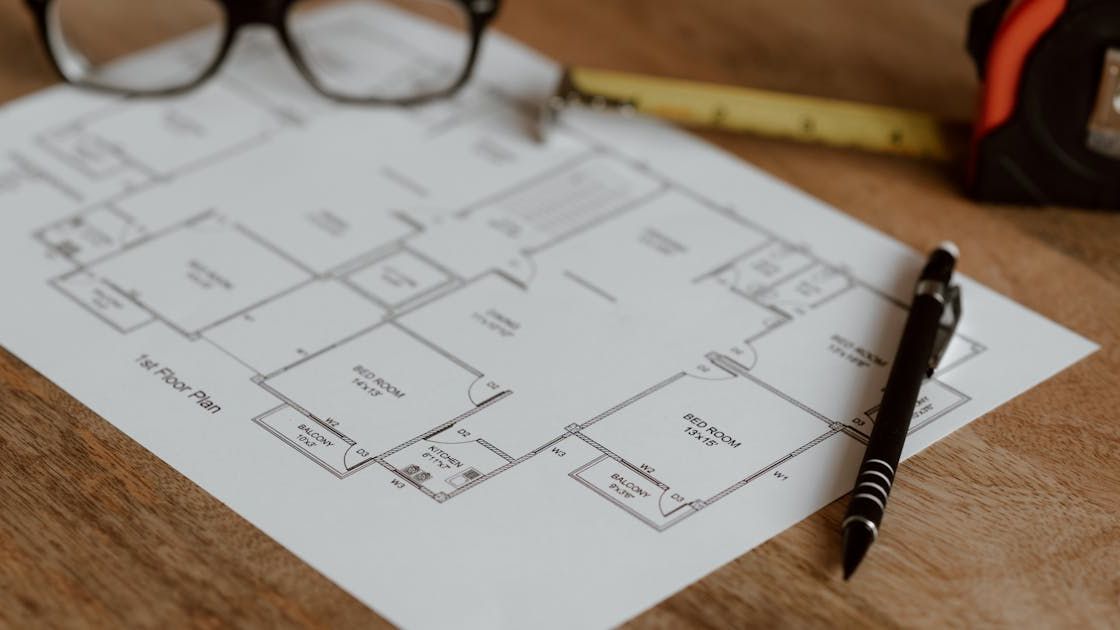
Estimating is where a contractor wins or loses the margin on a job, long before the first nail goes in. The right construction estimating software helps you turn plans and scopes into accurate, professional bids fast, and the wrong one leaves you stuck in spreadsheets or paying for power you do not need. This guide compares the 10 best construction estimating software tools for 2026, by what each one does best, who it fits, and how it prices, so you can match a tool to how you actually bid.
One thing to sort out first: these tools are not all the same kind of product. Some are takeoff specialists built to measure quantities off digital plans. Some build estimating into a full platform that carries the bid through to job costing and invoicing. And some are enterprise systems built for heavy civil and large commercial work. We have grouped the list so you can find the right type, not just the longest feature list.
What does construction estimating software do?
It turns plans and scopes into priced bids. That usually means takeoff (measuring quantities from drawings), applying unit costs from a price library, building assemblies, and producing a proposal. Some tools stop at the estimate; others connect it to the rest of the job.
What to look for in construction estimating software
Before comparing tools, weigh the handful of things that actually change how you bid:
- Takeoff. Can it measure quantities directly from digital plans, or do you enter quantities by hand? On-screen takeoff is the big time-saver for plan-heavy work.
- Cost and price libraries. Pre-loaded or your own unit costs and assemblies, so you are not pricing every line from scratch.
- Speed and accuracy. How fast you can turn a plan into a clean, professional proposal, and how easy it is to keep prices current.
- Does the estimate flow into the job? This is the one most contractors overlook. A standalone estimating tool stops at the bid. An all-in-one carries the estimate into job costing, POs, and invoicing, so your budget is the estimate.
- Pricing model and learning curve. Estimating software often charges per user and can get expensive; some platforms are quote-based enterprise tools. Match the cost and complexity to your shop.
The 10 best construction estimating software tools in 2026
1. Kaliun, best for estimating built into an all-in-one platform
Kaliun builds proposals and estimating into an all-in-one construction CRM and project platform, so a bid does not dead-end. You build a line-item estimate against cost codes, send a professional proposal, and when it is won, those numbers flow straight into three-layer job costing and invoicing. The estimate becomes the budget, with no re-keying. It runs on a flat $279/month plan with unlimited users.
Best for: contractors who want estimating connected to the rest of the business rather than a separate tool. The honest catch: Kaliun is not a heavy on-screen takeoff product. If you measure complex quantities directly off blueprints all day, pair it with a dedicated takeoff tool, or pick one of the takeoff specialists below.
2. Buildxact, best for residential builders and remodelers
Buildxact pairs on-screen takeoff with estimating and quoting, aimed squarely at residential builders and remodelers. It has a friendly learning curve and a solid price library, so you can go from plan to quote without a steep ramp. Best for small to mid-size residential shops that want takeoff and estimating together. The catch: it is lighter on full project financials than the big platforms.
3. Square Takeoff, best for fast digital takeoff for small residential
Square Takeoff focuses on quick, accurate on-screen takeoff for small residential contractors, remodelers, and trades. Upload a plan, measure, and price. Best for shops whose main pain is measuring quantities fast. The catch: it is a takeoff-first tool, so you will still want something to carry the estimate into the running job.
4. STACK, best for cloud takeoff and estimating with an entry tier
STACK is a cloud-based takeoff and estimating platform with a free entry point, popular with contractors who want to try before they commit. It handles plan markup, quantity takeoff, and estimating in the browser. Best for teams that want collaborative cloud takeoff. The catch: deeper estimating and reporting sit behind paid tiers.
5. PlanSwift, best for on-screen takeoff power users
PlanSwift is a long-standing on-screen takeoff tool (now part of Trimble) known for fast, drag-and-drop measurement off digital plans. Best for estimators who live in takeoff and want speed and control. The catch: it is desktop-oriented and more of a takeoff engine than a full estimating-to-invoicing system.
6. Clear Estimates, best for remodelers wanting a ready cost library
Clear Estimates is built for remodelers, with a large pre-loaded library of line items and regional cost data, so you can produce a professional quote quickly without building a price book from scratch. Best for remodelers who value a ready-made library. The catch: it is focused on estimating, not full project management.
7. Procore Estimating, best for large and commercial contractors
Procore's estimating module plugs into its broader project management, financials, and field tools, making it a fit for large contractors already standardized on Procore. Best for big commercial operations that want estimating inside one enterprise system. The catch: it is quote-based and priced for scale, which is usually more than a small residential shop needs.
8. Sage Estimating, best for heavy civil and large commercial
Sage Estimating is a long-established, database-driven estimating system built for heavy civil and large-scale commercial work, able to handle very large, detailed estimates. Best for large contractors with complex, high-line-count estimates. The catch: it is powerful and complex, and overkill for most residential builders and remodelers.
9. Autodesk Construction Cloud, best for BIM-integrated estimating
Autodesk's construction tools tie estimating to BIM workflows and Revit models, so contractors working from 3D models can pull quantities from the model itself. Best for teams that already work in BIM. The catch: it is aimed at design-and-build and larger projects, not simple residential bidding.
10. Trimble, best for AI-assisted quantity takeoff
Trimble's construction tools, including newer AI-assisted features, can recognize common construction elements and help extract quantities automatically, speeding up takeoff. Best for contractors who want to lean on automation for measurement. The catch: the broader Trimble suite is enterprise-leaning and can be more than a small shop needs.
Standalone estimating tool vs all-in-one: which do you need?
The real fork is not which tool, it is which type. A takeoff specialist (Square Takeoff, PlanSwift, STACK) is excellent at measuring quantities off plans, but it stops at the estimate. You still need separate tools for the CRM, the schedule, job costing, and invoicing, and you re-key the numbers between them.
An all-in-one platform carries the estimate forward: the bid becomes the budget, the budget tracks against actual cost, and milestones bill straight from it. If your main pain is heavy plan takeoff, buy a specialist. If your pain is juggling separate tools and re-entering the same numbers, an all-in-one like Kaliun fits, and you can still add a dedicated takeoff tool alongside it. For the wider category, see our roundup of the best construction CRM software.
Quick comparison
| Tool | Best for | Type |
|---|---|---|
| Kaliun | Estimating inside an all-in-one | Platform (flat $279/mo) |
| Buildxact | Residential builders and remodelers | Takeoff + estimating |
| Square Takeoff | Fast residential takeoff | Takeoff specialist |
| STACK | Cloud takeoff with a free tier | Takeoff + estimating |
| PlanSwift | On-screen takeoff power users | Takeoff specialist |
| Clear Estimates | Remodelers wanting a cost library | Estimating |
| Procore Estimating | Large / commercial contractors | Enterprise platform |
| Sage Estimating | Heavy civil and large commercial | Enterprise estimating |
| Autodesk | BIM-integrated estimating | Enterprise / BIM |
| Trimble | AI-assisted takeoff | Enterprise |
How to choose for your business
Start from your trade and your biggest bottleneck:
Remodelers and small residential shops usually want estimating that produces a clean proposal fast and connects to the job. See what fits remodelers, or pair an all-in-one with a takeoff tool if plans are complex.
General contractors juggling many trades want the estimate to become a tracked budget across the whole job. See options for general contractors.
- Plan-heavy estimators whose main job is measuring quantities should lead with a takeoff specialist (Square Takeoff, PlanSwift, STACK) and connect it to whatever runs the rest of the job.
- Large commercial and heavy civil contractors with huge, detailed estimates are the right fit for enterprise tools like Sage, Procore, or Autodesk.
Frequently asked questions
What is the best construction estimating software?
There is no single best; it depends on whether you need heavy plan takeoff or estimating connected to the rest of the job. For takeoff, Square Takeoff and PlanSwift lead. For estimating built into an all-in-one platform, Kaliun fits. For large commercial work, Sage and Procore. Match the tool to your trade and your biggest bottleneck.
How much does construction estimating software cost?
It varies widely. Many estimating tools charge per user per month and can run into the hundreds per seat, while enterprise systems like Sage and Procore are quote-based. All-in-one platforms fold estimating into one price; Kaliun, for example, includes it in a flat $279/month plan with unlimited users.
What's the difference between takeoff and estimating software?
Takeoff is measuring quantities from plans (square footage, linear footage, counts). Estimating applies costs to those quantities to produce a priced bid. Some tools do only takeoff, some do only estimating, and platforms increasingly do both and then carry the estimate into the running job.
Do I need separate estimating and job-costing software?
Not if you choose an all-in-one. Standalone estimating tools stop at the bid, so you re-enter the numbers into separate job-costing software. A connected platform turns the approved estimate into the budget automatically, so your actual costs are tracked against the bid with no double entry.
Can small contractors use construction estimating software?
Yes. Plenty of tools are built for small residential shops and remodelers, from takeoff-focused options like Square Takeoff to all-in-one platforms with a flat price. The key is matching the tool to how you bid, rather than paying for enterprise features you will not use.
Find the right fit
The best construction estimating software is the one that matches how you bid and connects to how you run the rest of the job. If re-keying numbers between separate tools is your pain, estimating inside an all-in-one is worth a close look. See how Kaliun's estimating and pricing work, or request a Kaliun workflow demo below.