
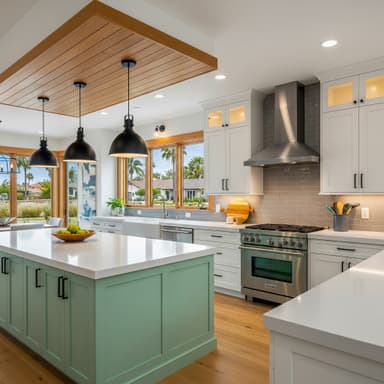
For remodelers & general contractors
Keep every job organized, from estimate to final payment.
Build proposals, track job costs, manage client selections, and send invoices in one connected workspace.

Proposal #P-2026-018
Draft| Line item | Cost | Markup | Price |
|---|---|---|---|
| Custom Cabinetry — Shaker Style | Cost$8,400 | Markup25% | Price$10,500 |
| Quartz Countertops (45 SF) | Cost$5,850 | Markup20% | Price$7,020 |
| Tile Backsplash Install | Cost$2,200 | Markup30% | Price$2,860 |
| Appliance Package — Premium | Cost$6,100 | Markup15% | Price$7,015 |
Your numbers. Connected to the job.
See where every project dollar goes.
From the budget to the bill behind it. See the work, the expense, and what’s still to pay.
Explore job costing
Countertops
INV-001- Budgeted
- $8,500
- Committed
- $7,900
- Paid
- $3,950
Cost source & transactions
$600 uncommitted budget
Keep each job connected, from lead to payment
Keep proposals, project costs, client decisions, and invoices together as the work moves forward.
Proposals
Build line-item proposals with costs, markup, allowances, and a clear scope of work.
Job Costing
Compare what is budgeted, committed, and paid on each project.
Client Portal
Give clients a place to review proposals, invoices, contracts, and selections.
Workflows
Set up emails, tasks, and status changes around events in your sales and project workflow.

See how the work connects
Explore the tools your office, field team, and clients use at each stage of a job.
6 opportunities · $571,700 total value
Martinez Kitchen Reno
Thompson Bathroom
Nguyen Full Remodel
Davis Outdoor Kitchen
Patel Master Suite
Wilson ADU Build
Know which lead needs your attention next
Keep contact details, opportunity stages, and follow-up work together as an inquiry becomes a proposal.
- Organize leads in a visual pipeline
- Keep client details and activity together
- Assign follow-up tasks to your team
A clear path from the first inquiry to the final invoice
Keep contacts and next steps organized.
Give each job a clear scope and price.
Keep the work, decisions, and costs together.
Connect client billing to the project.
See the details behind each step
Give your team clear information to price the work, plan the job, track costs, and help clients make decisions.
Proposals
Turn a clear scope into a proposal clients can review
Build a branded proposal with line items, costs, markup, and allowances, then send it to your client for review and approval.
- Start with reusable proposal templates
- Set costs and markup for each line item
- Include allowances in the scope
- Collect client responses and approval
Sarah & James Thompson · Full Kitchen Renovation
| Line item | Cost | Markup | Price |
|---|---|---|---|
| Custom Cabinetry — Shaker Style | Cost$8,400 | Markup25% | Price$10,500 |
| Quartz Countertops (45 SF) | Cost$5,850 | Markup20% | Price$7,020 |
| Tile Backsplash Install | Cost$2,200 | Markup30% | Price$2,860 |
| Appliance Package — Premium | Cost$6,100 | Markup15% | Price$7,015 |
Grand Total
$27,395
Estimate view: internal costs, markup, and client prices.
Scheduling
Give your team a shared view of the schedule
Organize project work, assign responsibilities, and keep planned dates visible to the people doing the job.
- Plan project phases and tasks
- Review work in Gantt and table views
- Assign responsibilities across your team
- Keep daily logs and project updates together
Nguyen Full Remodel · Mar – Apr 2026
Job costing
See what is budgeted, committed, and already paid
Compare the project budget with committed expenses and payments so you can understand costs as the job progresses.
- Review budgeted amounts by cost category
- Track expenses committed to the project
- See payments allocated to each expense
- Compare the budget with recorded costs
Kitchen remodel
Budgeted
$145,000
Committed
$144,100
Paid
$108,000
Client selections
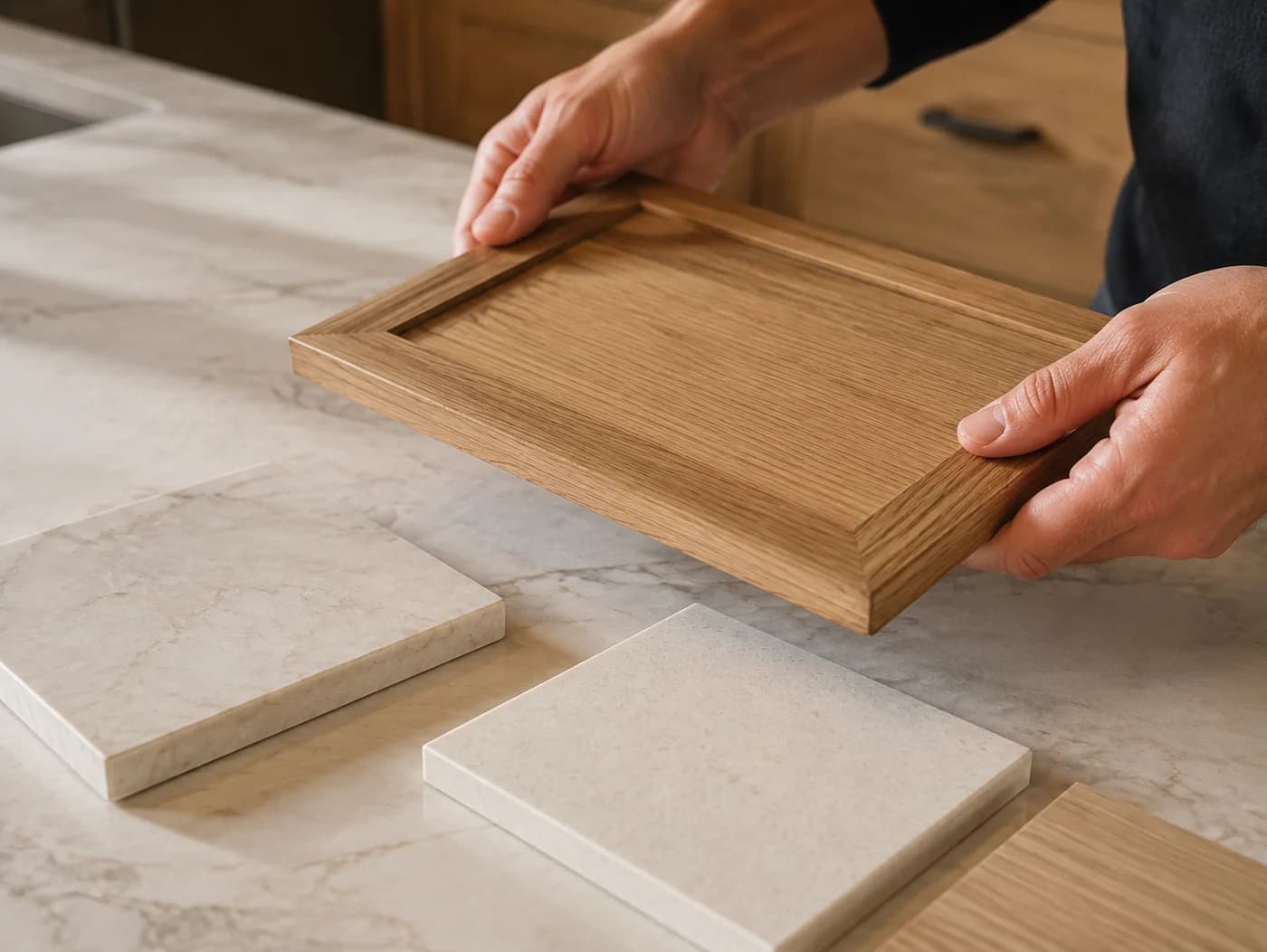
Give every decision a clear next step.
Let clients review selections and approve their choices in the portal. Keep the details with the project.
Explore client selectionsBring the information behind each job together
See how connected workflows help your team find the details they need.
- Lead details, pipeline stages, and follow-up tasks together
- Branded proposals with line-item pricing and client approval
- Budgeted amounts, committed expenses, and payments in one project view
- A client portal for proposals, documents, selections, and invoices
- A shared schedule for project work and assigned responsibilities
- Project invoices with client access and payment tracking
Tools for the work between the first call and final payment
Explore the features behind your sales, project, client, and billing workflows.

Lead Management
Keep contact details, opportunity stages, and follow-up tasks in a visual pipeline.
Proposals & Estimates
Build branded proposals with line-item pricing, allowances, and client approval.

Email & Follow-ups
Keep email communication and follow-up work connected to your contacts.

Scheduling
Organize project dates, tasks, and responsibilities on a shared schedule.

Daily Logs
Record field notes, photos, and progress updates against the project.

Change Orders
Document scope changes and track their invoice and payment status with the project.

Job Costing
Compare budgeted amounts, committed expenses, and actual payments.
Invoicing & Payments
Prepare project invoices and let clients review and pay through their portal.
Expenses & Vendor Payments
Track committed project expenses and the payments recorded against them.
Client Portal
Give clients access to proposals, documents, selections, and invoices.

Selections
Present client options, track allowances, and collect selection approvals.

Mobile App
Access project information and record updates while working in the field.
Explore the workflow for your type of work
See how project organization can fit remodeling, general contracting, home building, and specialty trades.




Questions about Kaliun
What is a construction company CRM?
A construction CRM helps contractors organize contacts, leads, proposals, and follow-up work. Kaliun connects those sales workflows with project costs, invoicing, scheduling, and client portals for residential remodeling and contracting teams.
How much does a construction CRM cost?
See the pricing page for current plans and billing details. To review the product with your team, request a demo. The team follows up to arrange a walkthrough and discuss setup; submitting the request does not create a trial account.
Do I need a construction-specific CRM, or will a generic one work?
Choose a CRM around the work your team needs to manage. A general CRM may cover contacts and sales, while a construction platform can also bring proposals, job costs, selections, and client documents into the workflow. Review those needs during a demo before deciding what fits.
Can Kaliun replace the separate tools I use today?
Kaliun brings leads, proposals, project costs, invoices, schedules, and client portals into one workspace. Which tools it can replace depends on your current processes and requirements. Request a demo to review those workflows with the team before deciding what to retire.
Latest from the Blog
Expert tips and strategies for growing a construction business.