How to create a proposal
Start a new proposal for a client in three clicks.
A proposal is what you send to a client to quote a job. Here's how to create one from scratch.
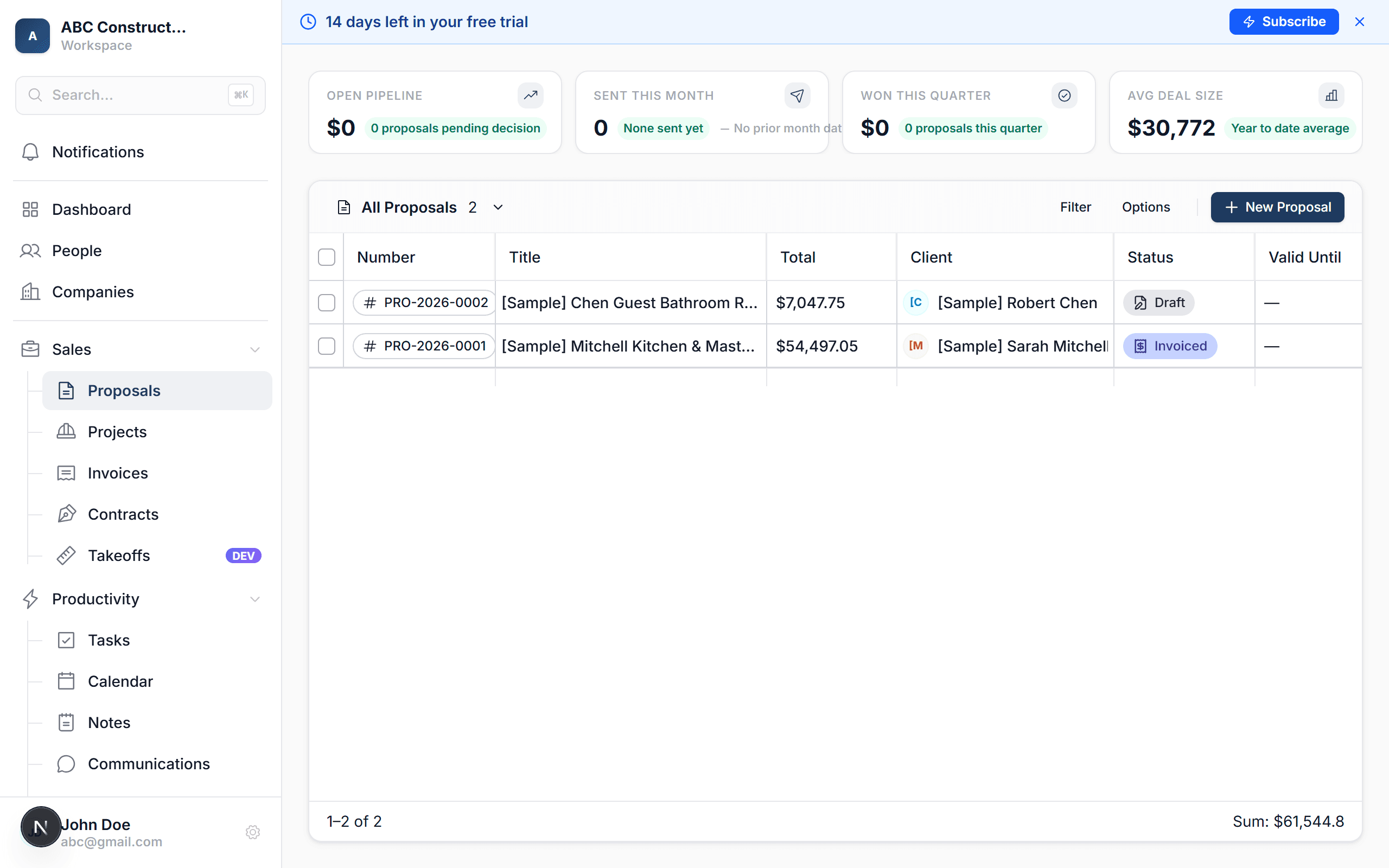
Open the client's contact record
From People, click the client you're quoting. You'll land on their detail page.
(If the client doesn't exist yet, add them first.)
Click "New Proposal"
Look in the sidebar on the right of the contact page. You'll see + Proposal — click it.
(You can also create a proposal from Proposals → New Proposal and pick the client in the form — same result.)
Give it a title
Something descriptive — "Kitchen Remodel — 123 Main St" or "Main Bath Refresh". This is what the client sees.
Confirm the address
Kaliun auto-fills the client's address. If the work is at a different address (say, their rental property), override it here.
Click "Create"
The proposal opens in edit mode, ready for line items.
Tip: want to start from a template instead of blank? See How to use a proposal template.
What happens next
- The new proposal is saved as a Draft — nothing is sent to the client yet
- You can edit it freely, add line items, change pricing
- When ready, send it to the client